
AI Fat Filter
Upload a photo and instantly see how you might look after weight gain—realistic, fast, and easy with AI.


By uploading images, you agree to our Terms of Service and review our Privacy Policy.
AI Weight Gain Filter Examples


Get an AI Weight Gain Look in 3 Steps
Upload a Photo
Start with a clear photo that shows the full body or upper body. Good lighting and a natural pose help produce the best results.
Generate the Weight Gain Effect
Our AI analyzes body structure and visual details, then generates a realistic weight gain transformation with natural proportion changes while keeping the person recognizable.
View and Download the Result
See the transformed image in seconds, compare the new look, and download the result for sharing or personal use.
Popular Uses for the AI Fat Filter
Create Viral Social Media Content
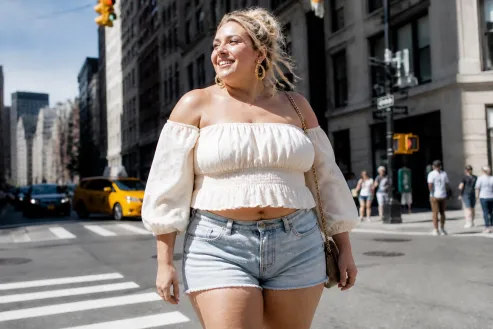
Weight gain transformations are a popular format across TikTok, Instagram, and Shorts. Before-and-after reveals, reaction videos, and challenge-style posts often attract attention because the results are unexpected and entertaining. For even more engaging content, transformed images can be turned into short clips and social-ready posts with an AI video generator.

Stay Motivated on Fitness Goals
Seeing a heavier version of a photo can serve as a reminder of long-term fitness goals. Many people use weight gain simulations as a visual way to stay focused on exercise and healthy habits.

Get Funny Reactions in Group Chats
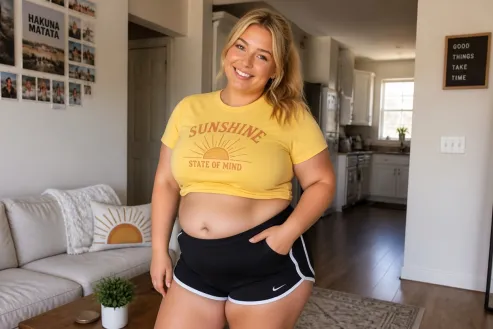
A familiar face with a completely different body shape is often enough to spark a conversation. Weight gain edits are commonly shared in group chats for laughs, reactions, and friendly jokes.

Satisfy Curiosity About Weight Gain
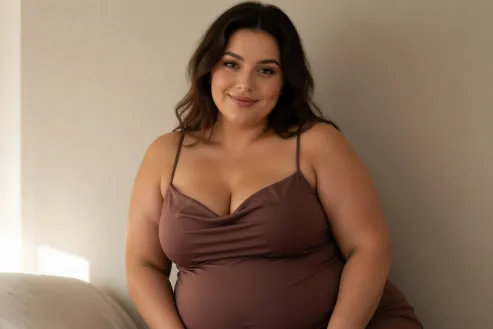
Everyone has wondered how a different version of themselves might look. A weight gain filter offers a quick way to explore a fuller appearance without making any real-world changes.

Explore Character and Design Ideas
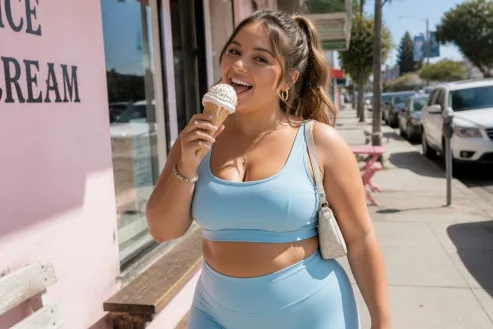
Different body types play an important role in storytelling and visual design. Weight gain transformations can help creators experiment with character appearances and develop more varied concepts.


Visualize Plus-Size Fashion Looks
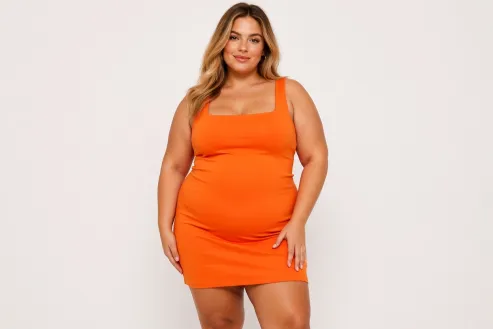
Fashion designers, marketers, and online sellers often explore how clothing appears on different body types. Weight gain simulations provide a simple way to test styling ideas and presentation concepts. For more editing needs like isolating products or models for clean visuals, try the AI Background Remover to quickly remove backgrounds and create professional-looking fashion images.
Frequently Asked Questions
Vorla’s AI Fat Filter uses advanced image generation models to analyze body structure, facial features, and lighting in your photo. It then intelligently reshapes body proportions while preserving natural details like facial identity, shadows, and background consistency.
Unlike basic distortion filters, the AI rebuilds the image in a way that keeps the result smooth, realistic, and visually coherent.